Build Stronger Foundations for System Work

Our mission is to provide structured learning materials that help learners develop practical knowledge of system administration through clear explanations, guided topics, and organized study paths. Kervoliqava focuses on helping learners understand technical relationships, review administrative workflows, and build useful study habits at their own pace.

Created Around the Logic Behind Modern Systems

Kervoliqava began as an educational project built around the idea that system administration is easier to study when related topics are presented in a clear sequence. Our team organized files, permissions, users, services, storage, configuration, logs, and maintenance concepts into connected learning materials that help learners understand how different parts of a technical environment relate to one another.

30-days refund guarantee

Try the course completely risk-free. We want you to be fully confident in your investment, so if you're not satisfied with the content for any reason, you can get a full refund. No questions asked, and no hoops to jump through. Refund requests may be submitted within 30 days of purchase in accordance with our Refund Policy.

  • A modern square wall switch plate with multiple rectangular touch switches, finished in a polished chrome silver color, shown against a plain white background.

    Structured Learning

    Topics are arranged in a logical order so learners can move from foundational concepts toward broader administration workflows without unnecessary complexity.

  • A digital vector icon depicting an ID card with a magnifying glass, representing identity verification or background check services.

    Practical Context

    Course materials connect technical concepts with realistic administrative situations, helping learners understand how individual topics relate to everyday system tasks.

  • A minimalist digital vector illustration of a network or workflow diagram on a solid white background. The design features a central peach-colored circle connected by thin gray lines to six surrounding white rounded cards with pastel gradient accents.

    Clear Progression

    Each course tier introduces additional concepts gradually, allowing learners to develop knowledge through connected sections rather than unrelated technical information.

  • A 3D-rendered square app icon or control panel with rounded corners, showing a grid of colorful gradient buttons and sliders on a light gray background.

    Detailed Materials

    Lessons include explanations, examples, review sections, and reference material designed to support careful study of system administration concepts and workflows

Begin With a Free Learning Resource

Start exploring Kervoliqava with a free learning resource focused on foundational system administration concepts. The material introduces file structures, users, permissions, processes, services, storage, and routine system observation in a clear sequence. It provides a useful introduction to the learning style and organization used throughout the wider course collection. Download the free material and study it at your own pace before exploring additional Kervoliqava courses.

  • Caelix Warren — Systems Infrastructure Administrator

    Caelix Warren

    Systems Infrastructure Administrator

    Caelix works with account structures, storage organization, permissions, and routine system maintenance. He reviews technical environments and documents recurring administrative tasks. His work focuses on keeping system processes organized and understandable.

  • Tavren Brooks — Server Operations Coordinator

    Tayler Brooks

    Server Operations Coordinator

    Tayler coordinates service checks, resource observation, maintenance schedules, and configuration reviews. He works with technical teams to organize recurring server-related activities. His responsibilities also include documenting changes and reviewing system status information.

  • Carollina Holden — User and Permissions Administrator

    Carollina Holden

    User and Permissions Administrator

    Carollina works with user accounts, groups, ownership structures, and permission settings. She reviews how system resources are assigned across different account types. Her responsibilities include documenting account changes and maintaining organized permission structures.

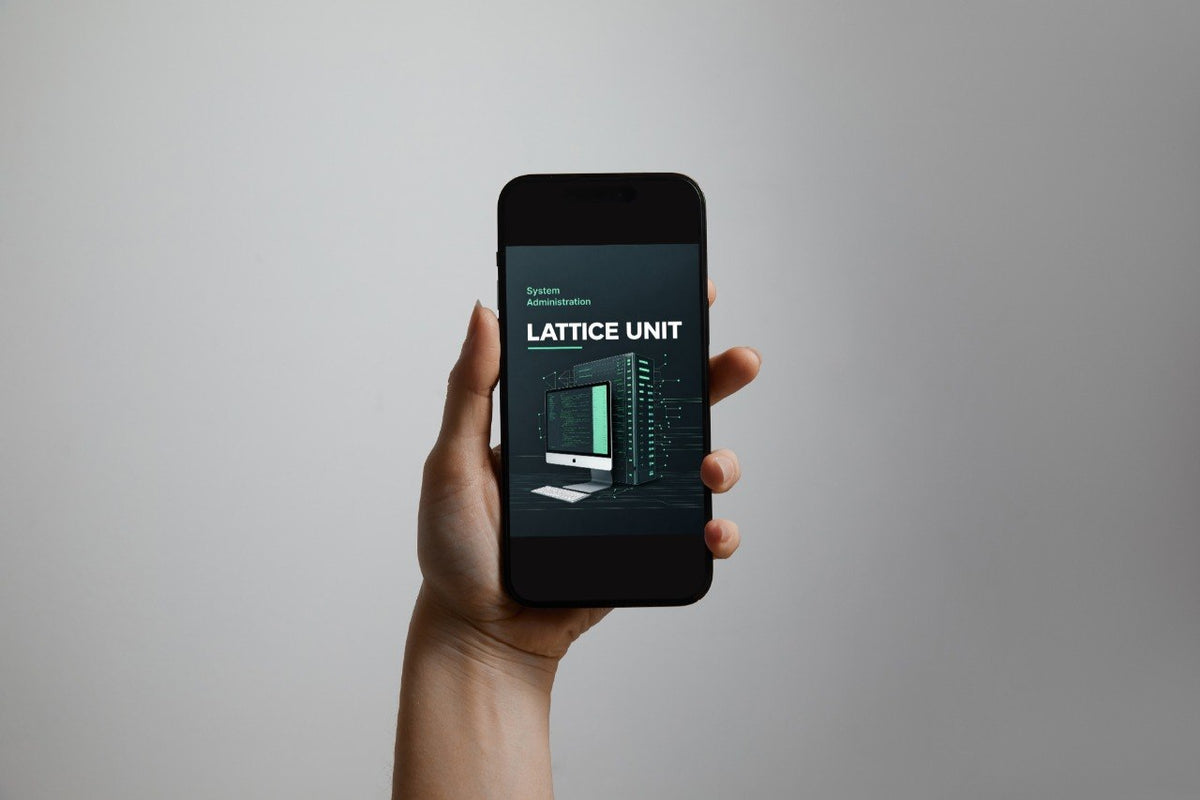
  • A black tablet device shown at an angle on a dark surface, displaying a digital interface with cards and the tier name.
  • A gray laptop on a light gray surface with a hand resting on the trackpad. The laptop screen displays a digital template preview labeled tier name.
  • A person holds a black smartphone with both hands, displaying a digital interface on the screen against a warm beige background.

Look Inside the Kervoliqava Course Structure

Explore the Kervoliqava course collection and see how system administration topics are arranged across different learning stages. The courses cover system organization, users, permissions, services, storage, configuration, logs, maintenance, and connected administrative workflows. Each course follows a structured format with clear explanations, practical examples, review sections, and reference materials. Use the Preview Courses button to explore the collection and compare the topics included in each course.

  • Caleb Foster

    Caleb Foster

    Caleb came to Kervoliqava after studying system administration from several different sources and wanted a more organized way to review what he already knew. He found the clear topic progression, review sections, and practical examples useful for building a more consistent study routine around configuration, processes, and maintenance. “What I appreciated most was having the material arranged in a way that made review much easier to follow.”

  • Brie Turner

    Brie Turner

    Brie had previously worked with user accounts and file organization but wanted a clearer understanding of processes, services, configuration, and recurring maintenance tasks. The course format helped her compare related concepts through organized sections, examples, and reference notes that were easy to return to during study. “The structure made it much simpler to revisit a topic and understand where it fits within the wider system.”

  • GitHub logo with a black circle and white cat-like face design

    Column

  • Black circle with a white letter 'M' in the center
  • LinkedIn logo on a white background